Sitesui · Resident maintenance requests
Resident maintenance requests by QR code: a status page for the resident, a work order for you.
Pinpoint is the front door: a branded page that opens from a lobby poster, a per-area sticker or a link, with nothing to install. What comes in is triaged, becomes a work order in the same queue as your inspectors' findings, goes to a vendor, and the resident can follow it to fixed.
If Sitesui hasn't earned its place in your first 30 days, tell us and we refund that payment in full.
How it works for you
A day with Sitesui
Print the poster and the stickers
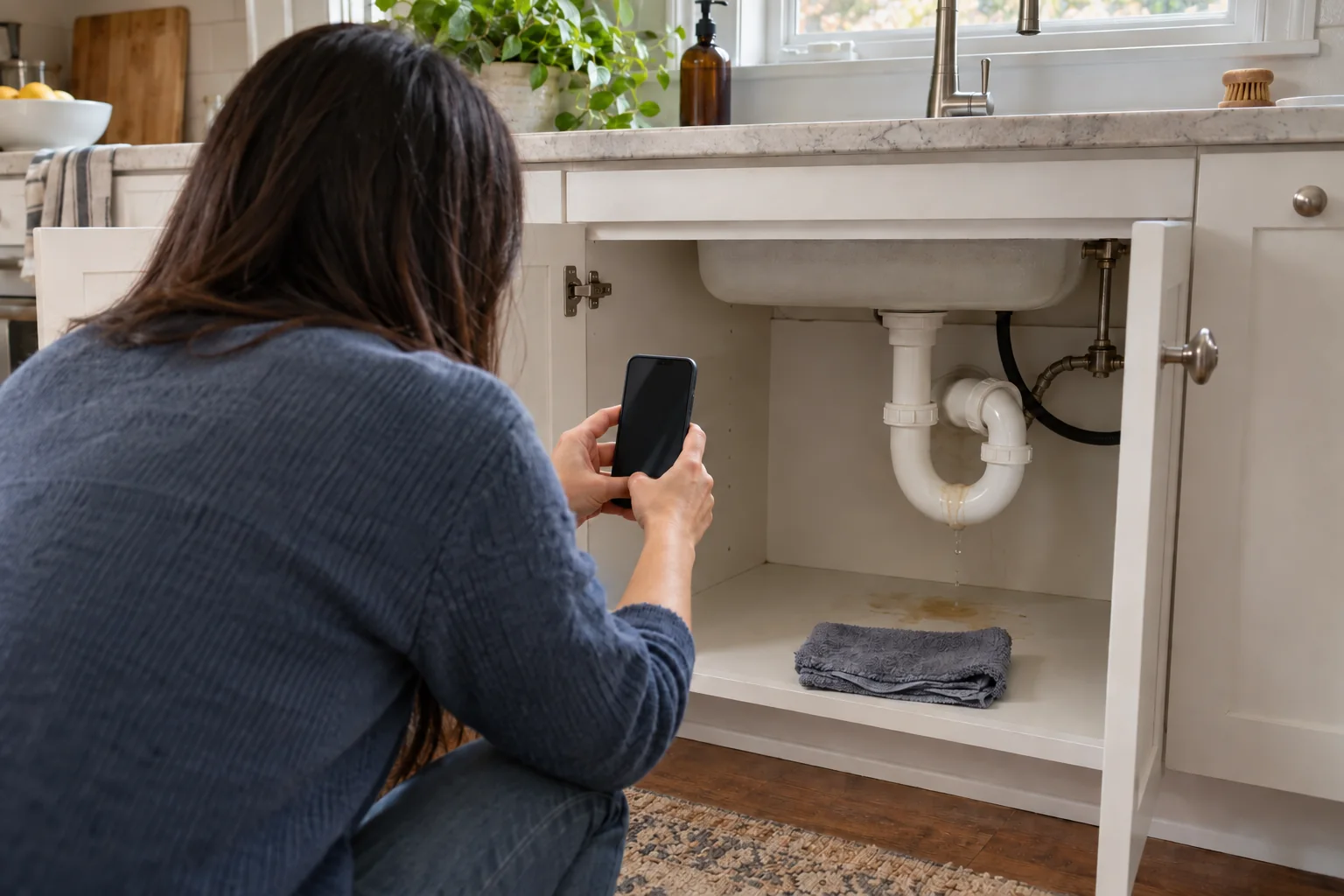
The lobby poster carries your brand and one QR. Per-area stickers — boiler room, laundry, the door of 4B — pre-fill the location, so the resident only adds what's wrong and a photo.
Triage, then one tap to a work order
Reports that mention gas, smoke, water or exposed wiring are flagged as safety risks and rise to the top of the Pinpoint inbox; when AI is available it also suggests the trade and urgency. Accept and it's a work order with the photo attached.
Vendor out, resident informed
Dispatch the work order to a vendor, who opens it from the link in their email — no account. The resident gets a status page: received, in review, in progress, resolved. If it isn't actually fixed they tap Still broken and it comes straight back to you.
Ready on day one
Templates you'll actually use
Built in. Edit anything, or build your own from scratch.
- Routine / periodic inspection
- Work-order verification
- Move-in inspection
- HOA / common areas
Plus 26 more built-in templates and unlimited custom ones.
What changes
The outcomes
- No app for residents to install, no login to forget, no phone tag to log a request
- Every request arrives with a photo and a location before anyone drives out
- One queue: resident reports and inspector findings become the same work orders
- The resident sees the status without calling; you hear “still broken” before the next complaint
Questions
Resident maintenance requests: what people ask
Do residents need an account or an app?
No. The QR or link opens a page in the phone's browser. They say where, what and how urgent, add a photo, and optionally leave an email or phone number so they can be told when it's fixed.
How does the resident know what happened?
Each report has a status page: received, in review, in progress, resolved. They get an email when work starts and when it's marked fixed. If you need a detail, the page asks them for a photo or note; if it isn't really fixed, Still broken reopens it with you.
Can a vendor work the request without a login?
Yes. The vendor opens the work order from the link in their email — no account — sees the photos and the location, and updates progress and completion from their phone. Vendors are not seats and don't cost anything.
Is Pinpoint on the Free plan?
Pinpoint and work orders are part of Pro — $29/month, flat for the whole workspace. Free is 3 inspections a month with everything a walk needs; add Pro when residents should have a door in.
People ask
Read next
Also built for
Run your first resident-reported repair today — free.
Start with 3 inspections a month, free, no card. Rather not do it yourself? Send your checklist and your community or property list — the form at sitesui.com/setup, or an email to hello@sitesui.app — and we'll build your first community for you — the checklist as a template, the properties imported — free, by email, with no call to book.
Free: 3 inspections a month on up to 3 properties, no card. Paid plans from $29/month, one flat price for the whole workspace. Pricing